1. Tap the Menu icon in the top left corner (Figure 3.1).

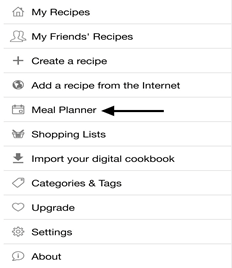
2. Tap “Meal Planner” from the Menu tab (3.2).
3. Select a date you want to add a meal plan for.
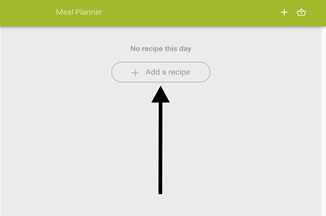
4. Tap “Add a recipe” (Figure 3.3).
5. Tap the recipe you want to add to your meal plan (Figure 3.4).
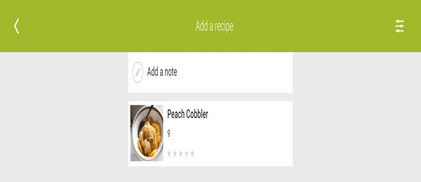
Optional: You can add dishes outside of your cookbook by pressing the option “Notes.”
6. Tap the arrows to edit the yield number, date, and category (Figure 3.5).
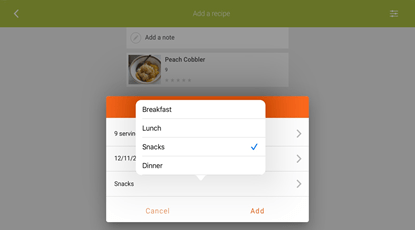
7. Tap “Add” to load the recipe into your meal plan.
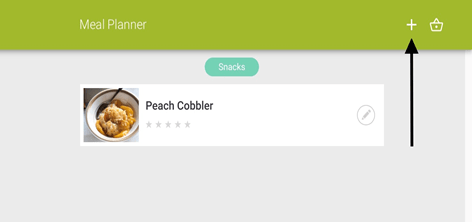
8. Tap the plus sign on the top right corner to add more meals (Figure 3.6).
 My CookBook App User Manual